
Features
Built for the working day
One tap for a usual day, a short form for an unusual one. Your log stays on your phone, backed up only where you choose.
Log the day fast
Full, Half, Off and Cancelled days, with up to three shifts in a day. A one tap stamp writes your usual day: your most worked place, your main employer, your usual pay and hours.
Pay, your way
Every shift is paid by the day or by the hour, its own choice. Bonus and transport ride along, and Half pays half, always from that shift's own rate.
Money that closes the loop
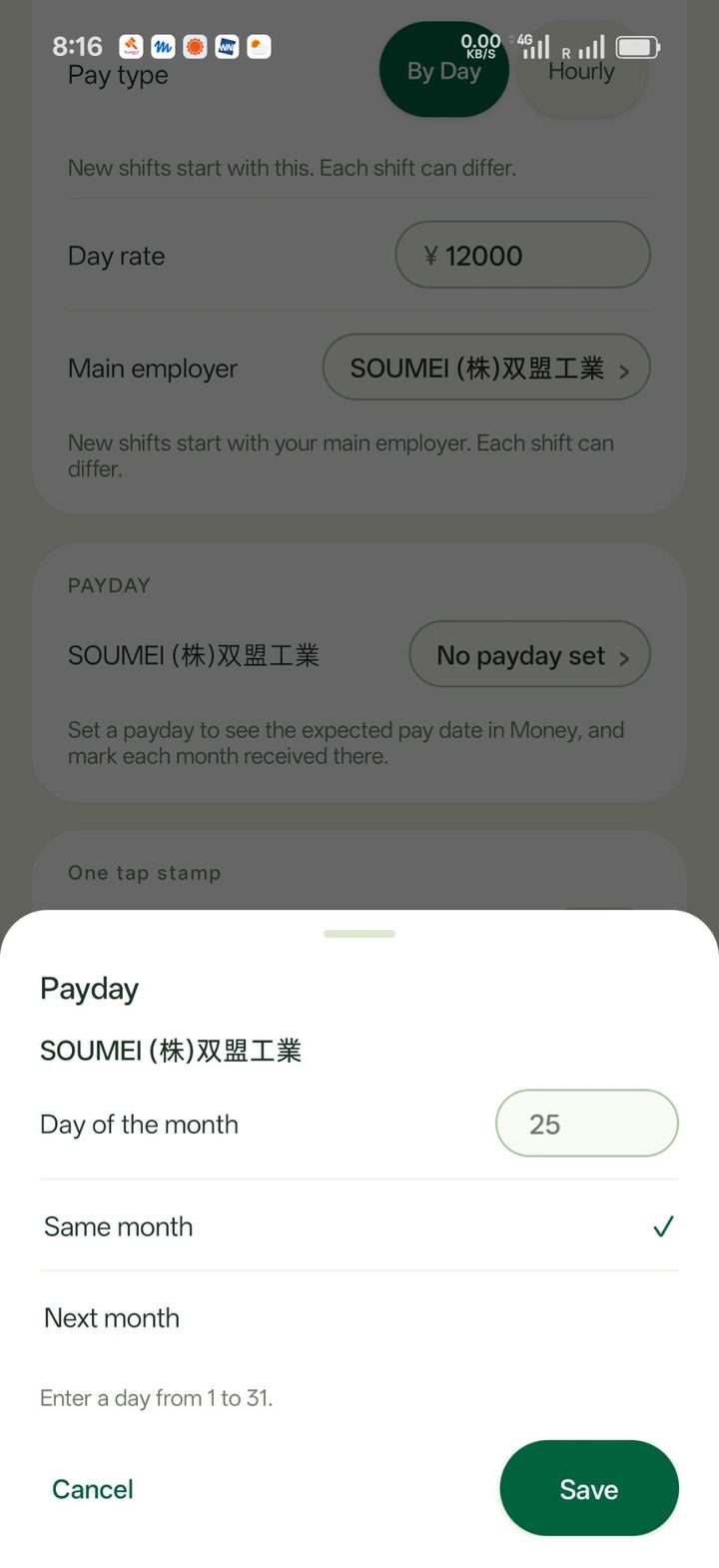
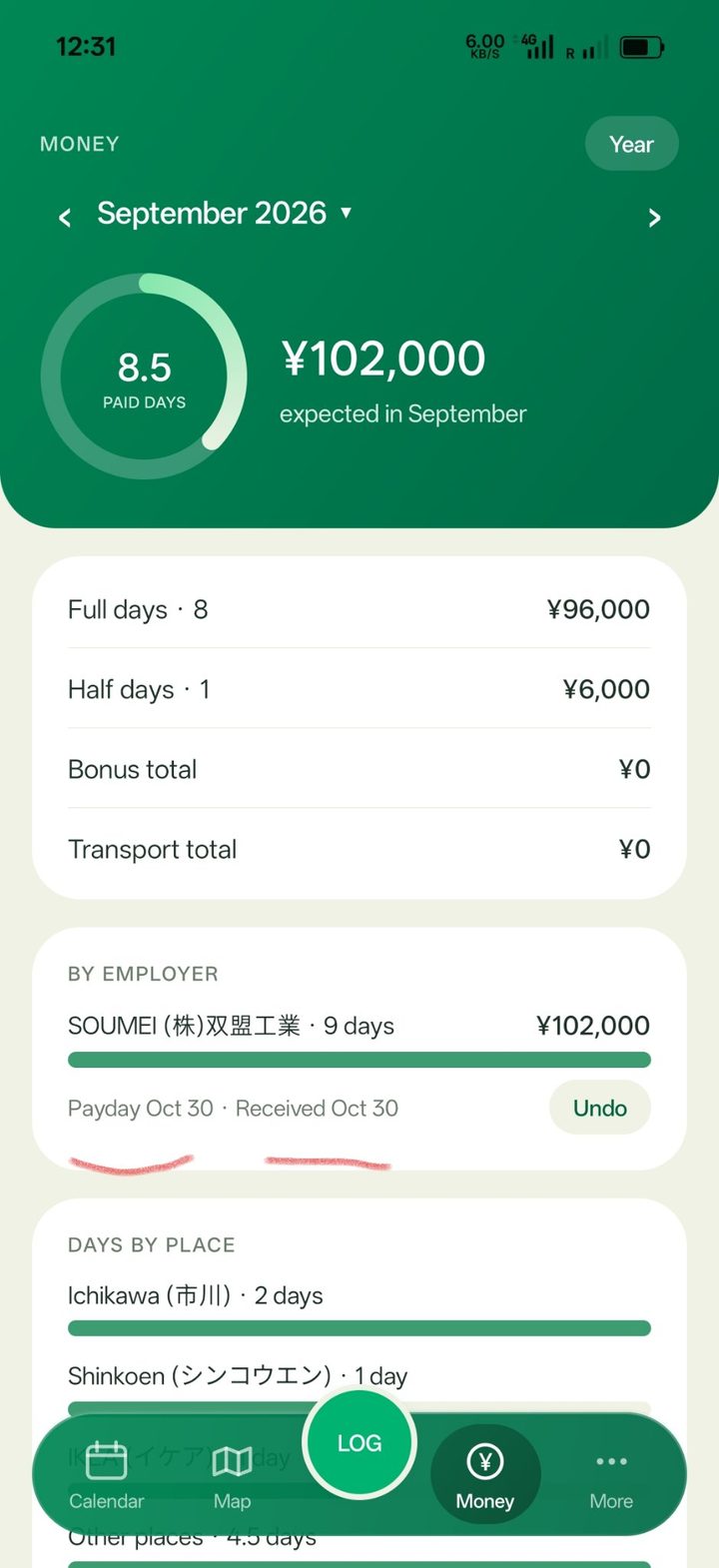
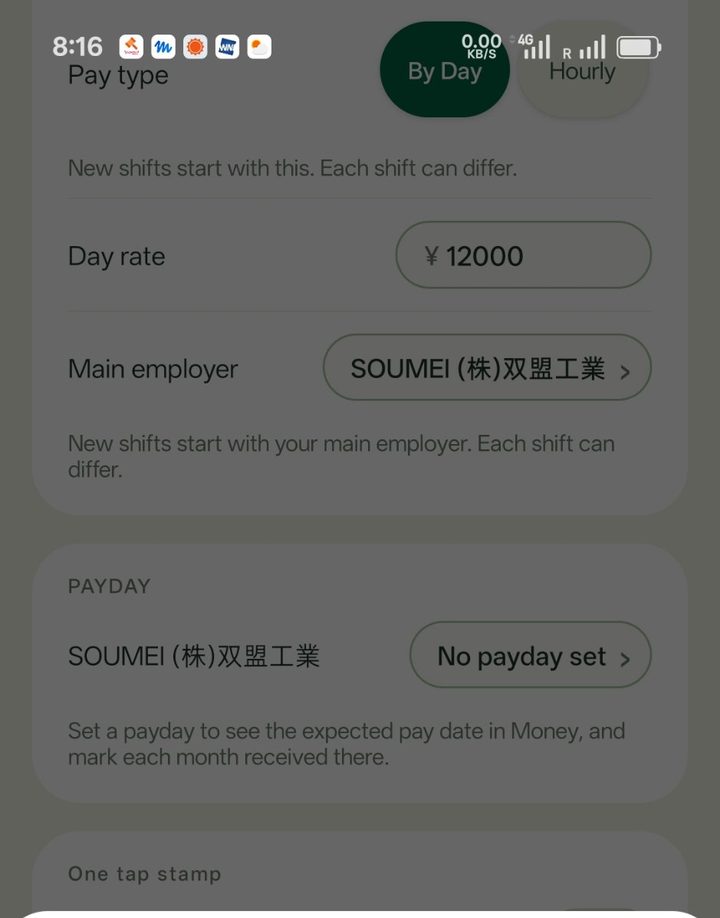
Month and year totals by employer and by place, worked hours, and your pay in your currency with an optional converted total. Set a payday for each employer and mark the month received when the money lands.
Exact worked locations
Pin the exact spot you worked, up to five pins on one shift, and see every place on the map with its full work history.
Calendar and holidays
Work days sync to your own Google Calendar, one event per shift. Public holidays come from your phone's own holiday calendar, for the country you are in.
Yours, and only yours
Back up to a visible folder in your own Google Drive, or keep a local copy. No account, no ads, no tracking. Fifteen themes, including one that matches your phone.
Paydays
Money that closes the loop
Month and year totals by employer and by place, worked hours, and your pay in your currency with an optional converted total. Set a payday for each employer and mark the month received when the money lands.
- Totals by employer and by place, for the month and the year.
- A payday for each employer, including the last working day of the month.
- Mark the month received, with the real date, when the money lands.
Themes
Fifteen themes. One is yours.
Every ShigotoDays theme, from the Fresh Mint it ships in to one that matches your phone.
Privacy
Private by design
No account
Nothing to sign up for. ShigotoDays works on your phone alone.
No ads
The app carries no advertising at all, and neither does this site.
No tracking
No analytics and no third-party tracking SDKs, in the app or here.
Your own Drive
Backups go to a folder in your own Google Drive, only when you turn backup on.
Get in touch
Questions, feedback, or a problem to report: email [email protected].
[email protected]